a-zsoft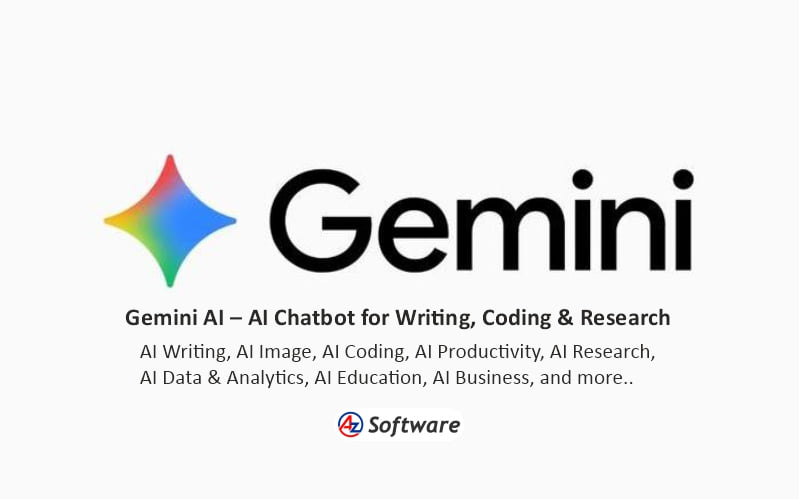
Introduction: Gemini-AI
Gemini is Google’s general-purpose AI assistant, designed to help users with conversation, writing, research, coding, learning, data analysis, image generation, document processing, planning and other everyday and professional tasks. Gemini can work with text, images, files and other types of content, and is integrated with a growing range of Google products and services. (Google Gemini)
AI Category : AI Chatbots
Secondary Categories :
AI Writing, AI Image, AI Coding, AI Productivity, AI Research, AI Data & Analytics, AI Education, AI Business
What It Can Do :
- AI chatbot and conversational assistance
- Answer questions and explain concepts
- Writing, rewriting and editing
- Blog posts, emails and other content creation
- Brainstorming and idea development
- Image generation and editing
- Image and visual-content analysis
- Coding and programming assistance
- Code generation, explanation and debugging
- Data analysis and visualization
- Document and file analysis
- Research and information gathering
- Deep Research for complex research tasks
- Summarization
- Translation and language assistance
- Mathematics and problem solving
- Learning and study assistance
- Planning and organization
- Voice conversations through Gemini Live
- Generate documents, spreadsheets and other files
- Create customized AI assistants using Gems
- Work with Google apps and services
- Shopping research and product comparison
- Video generation and other media-generation capabilities, depending on plan and availability
Capabilities, models, usage limits and feature availability vary according to the user’s account, subscription, country, device and the specific Gemini feature being used. (Google Gemini Help) (Google AI Plans)
Key Features :
Gemini provides a conversational AI environment where users can ask questions, provide instructions, upload files or images and continue discussions across multiple turns. It can assist with writing, brainstorming, learning, research, coding and problem solving. (Google Gemini Help)
Gemini supports multiple AI models designed for different types of tasks. Current Gemini Apps documentation describes Flash-Lite for efficient everyday tasks, Flash for a balance of speed and capability, and Pro for more demanding reasoning, mathematics, coding and multimodal tasks. Model names and availability can change over time.
Users can upload files and images for analysis. Gemini can also create formatted files such as DOCX, PDF, XLSX, CSV, RTF, Markdown and other supported formats directly from conversations, with options to download or export results to Google Drive.
Gemini includes Deep Research, which can browse and analyze information from multiple online sources to create detailed research reports. Higher-level plans provide expanded access and usage limits for Deep Research and other advanced capabilities. (Google AI Plans)
Gemini Live provides conversational voice interaction, allowing users to communicate with Gemini using natural speech. Depending on device and availability, users can also use images, photos and their camera as part of interactions.
Gemini allow users to create customized versions of Gemini for specific tasks or recurring workflows. Users can provide instructions to tailor a Gem for particular goals, subjects or working styles.
Gemini is also closely integrated with Google’s ecosystem. Depending on account and plan, users can access Gemini capabilities within services such as Gmail, Google Docs, Sheets and other Google products.
Gemini also offers image generation and editing, while higher-tier Google AI plans provide expanded access to image, music and video-generation models. Availability of specific media-generation models and features varies by country and subscription.
Pricing :
Gemini can be used without a paid Google AI plan, with standard usage limits. Google currently offers Google AI Plus, Google AI Pro and Google AI Ultra subscription plans that provide higher usage limits and expanded access to advanced Gemini models and features. Google states that usage limits can change and may depend on the complexity of prompts, models used and features being accessed.
Free / Paid :
Freemium – Gemini is available without a paid AI subscription, while Google AI Plus, Pro and Ultra plans provide higher usage limits and expanded access to advanced models and features. Availability varies by country and plan.
Platform :
Web, Android and iOS. Gemini is available through the Gemini web application and mobile apps, and its capabilities are also integrated into selected Google products and services.
Best For :
Gemini is suitable for students, educators, writers, developers, researchers, business professionals, marketers and general users who want an AI assistant integrated with Google’s ecosystem. It is particularly useful for users who regularly work with Google Search, Gmail, Google Drive, Docs and other Google services.
Alternatives :
- ChatGPT
- Claude
- Microsoft Copilot
- Perplexity
- Grok
- Mistral Le Chat
Related Software :
- Google AI Studio
- Google NotebookLM
- Google Workspace
- Google Search
- Google Cloud Vertex AI
- GitHub Copilot
- Cursor
- Microsoft Copilot
How to Use :
Visit the above link, sign-up to explore and and start using.
Share this Software